Save & organize recipes
Store recipes from websites, create your own from scratch, or import by URL. Organize everything with tags and favorites so nothing gets lost.
Cookcart lets you save recipes from anywhere, import them straight from any recipe site, turn ingredients into a grocery list in seconds, and cook step-by-step without losing your place.
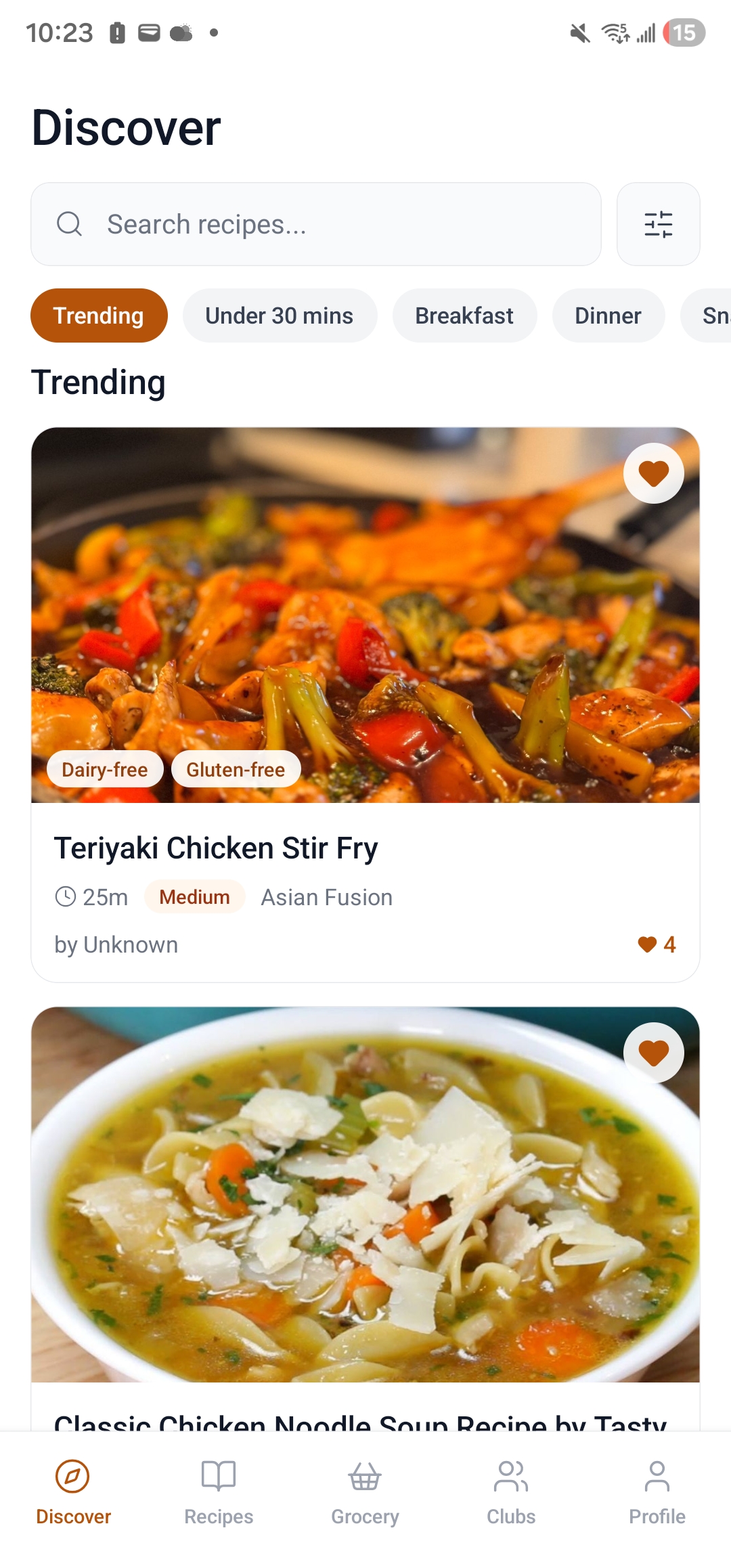
Cookcart is built to make meal planning easier — from saving your first recipe to shopping with a clean list.
Store recipes from websites, create your own from scratch, or import by URL. Organize everything with tags and favorites so nothing gets lost.
Group related recipes into your own cookbooks — weeknight dinners, holiday baking, family favorites — so your collection stays organized as it grows.
Select recipes for the week and Cookcart combines all the ingredients into one clean, checkable grocery list — no double-entry needed.
Follow recipes step-by-step in a clean, distraction-free view designed to be read while your hands are busy in the kitchen.
Browse publicly shared recipes from other Cookcart users for meal inspiration, then save the ones you want to your own collection.
Your recipes and grocery lists are securely stored and synced so they are always available — even if you switch phones.
Cookcart is designed for use in the kitchen — clear typography, minimal clutter, and everything where you expect it to be.
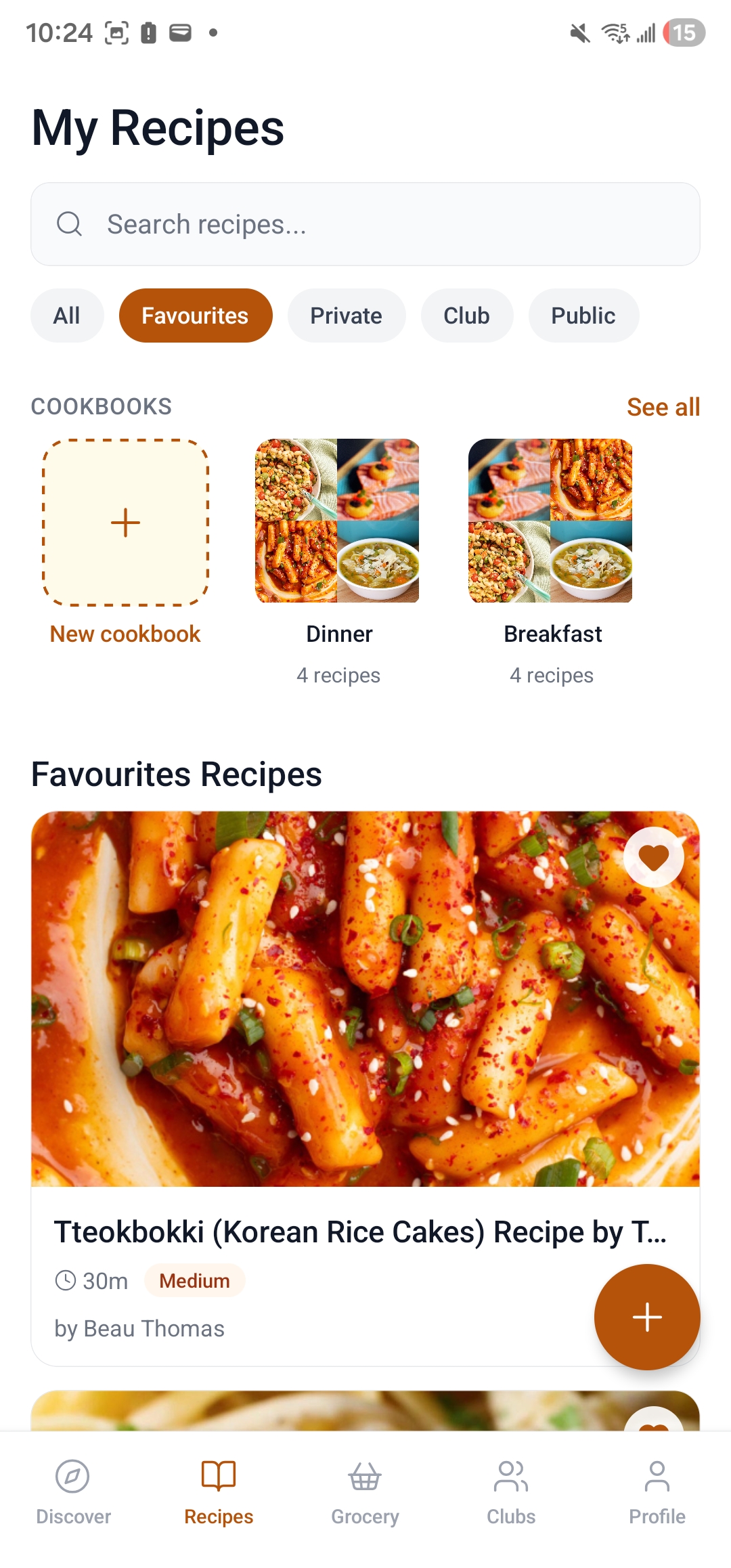
Browse and search all your saved recipes in a clean grid. Filter by tags, favorites, or ingredients you have on hand.
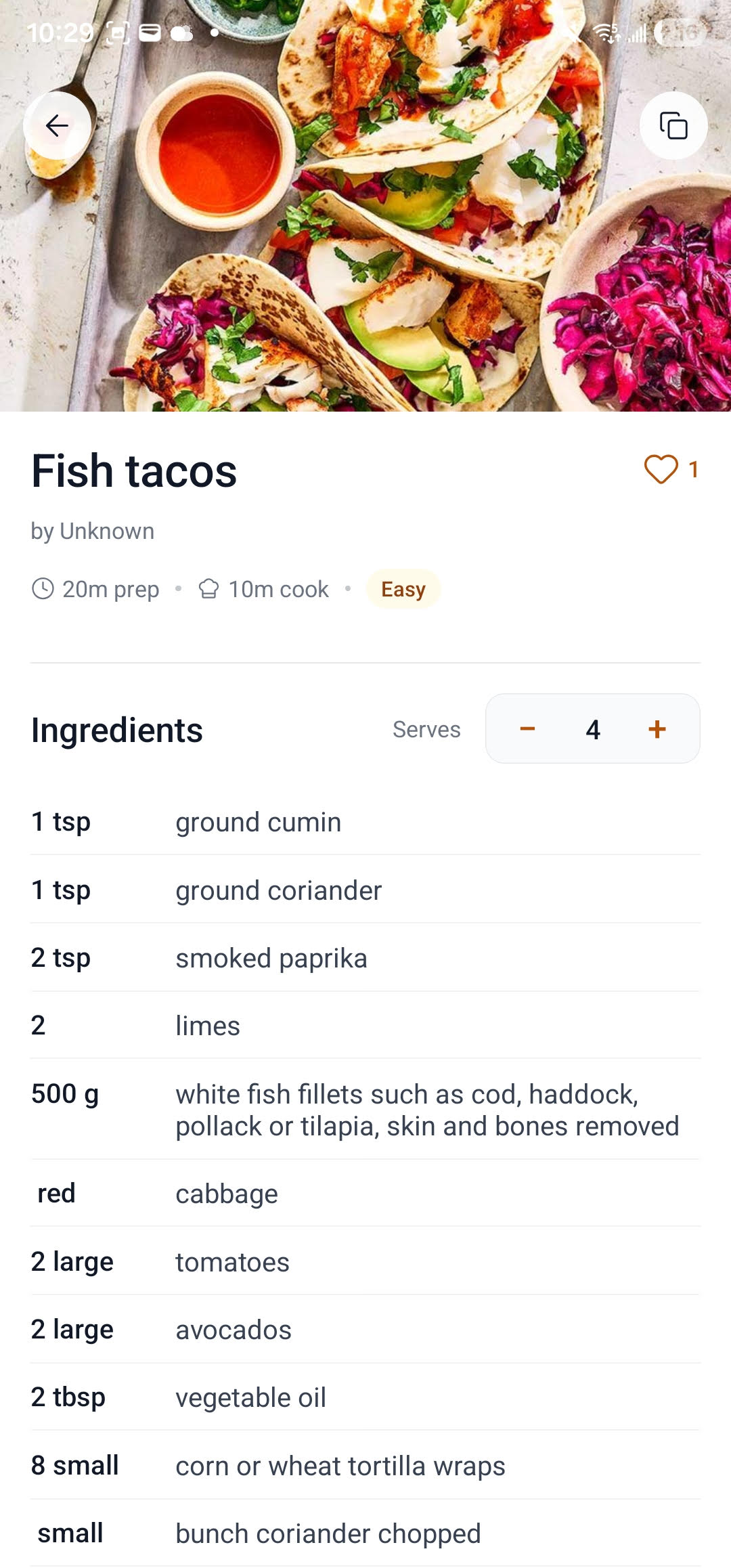
View ingredients, serving sizes, and step-by-step instructions in a focused layout made for cooking.
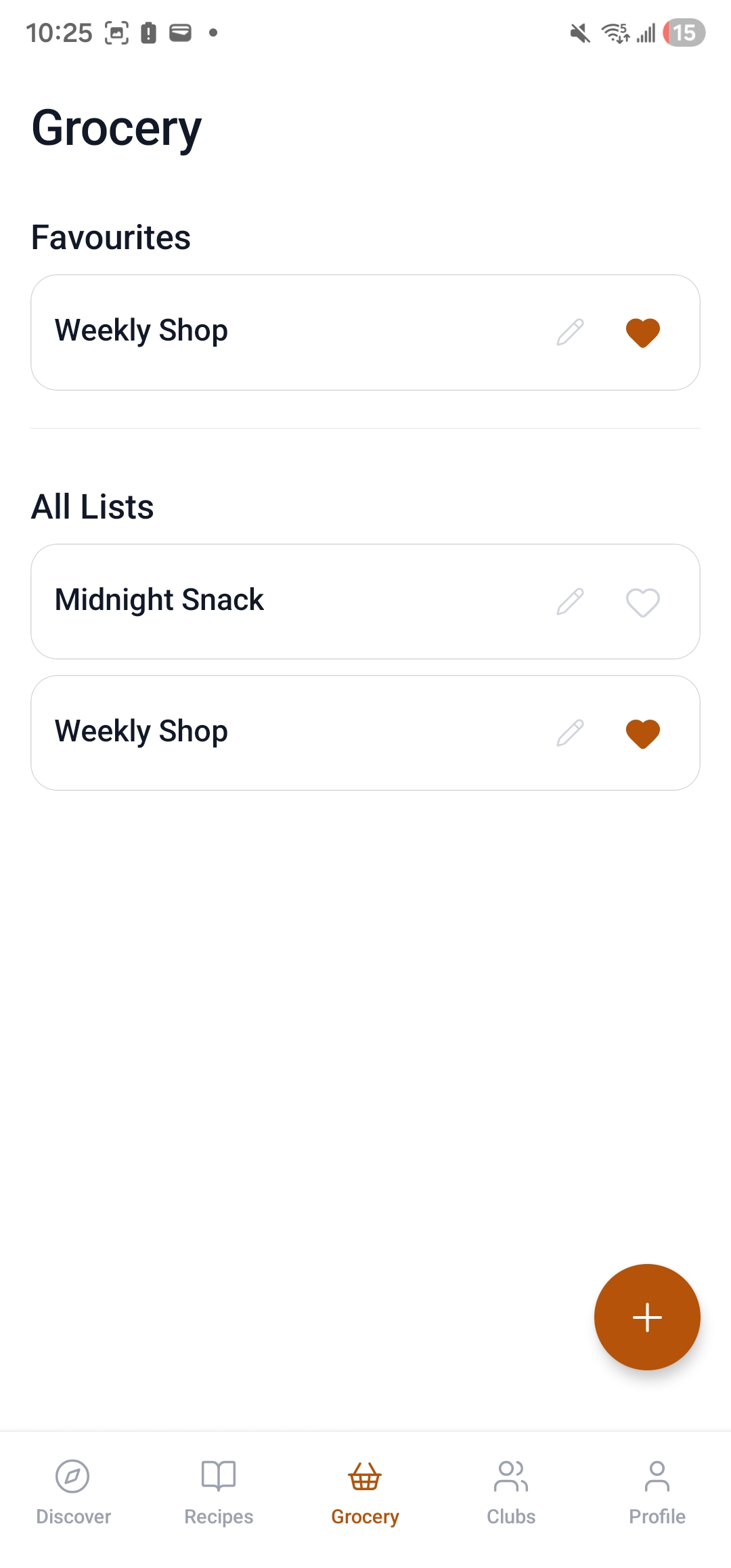
Your grocery list updates automatically when you add recipes to your weekly plan. Check items off as you shop.
Cookcart started as a personal project to solve a real problem: recipes scattered across browser tabs, screenshots, and scribbled index cards — with no good way to turn them into a grocery list.
The result is a focused Android app that handles the full cycle: finding a recipe, saving it, organizing it into a cookbook, planning meals for the week, and getting to the store with one clean list. Completely free — no subscriptions, no ads.
Cookcart is an independent app built and maintained by a solo developer. Questions or feedback? Reach out at btprogramming24@gmail.com.
Everything you need to know about Cookcart before downloading.
Yes — Cookcart is completely free. Every feature is included at no cost. There are no subscriptions, no in-app purchases, and no ads.
Yes. Create as many cookbooks as you like and group recipes however makes sense to you — by meal, by season, by occasion. A recipe can live in more than one cookbook at a time.
Your recipes are private by default and only visible to you. We do not sell your data or use it for advertising. You can make individual recipes public if you want to share them. See our Privacy Policy for full details.
Yes. Paste a URL from most recipe websites and Cookcart will import the recipe automatically. You can also create recipes from scratch and edit them however you like.
Cookcart uses Google Sign-In — tap "Sign in with Google" and choose your Google account. No separate password is created. We only receive your name, email, and profile photo from Google.
Go to Profile → Settings → Delete Account inside the app. This permanently deletes your account and all associated data from our servers within 30 days. The action cannot be undone.
Save your first recipe in under a minute. No account required to browse — sign in with Google when you're ready to save.